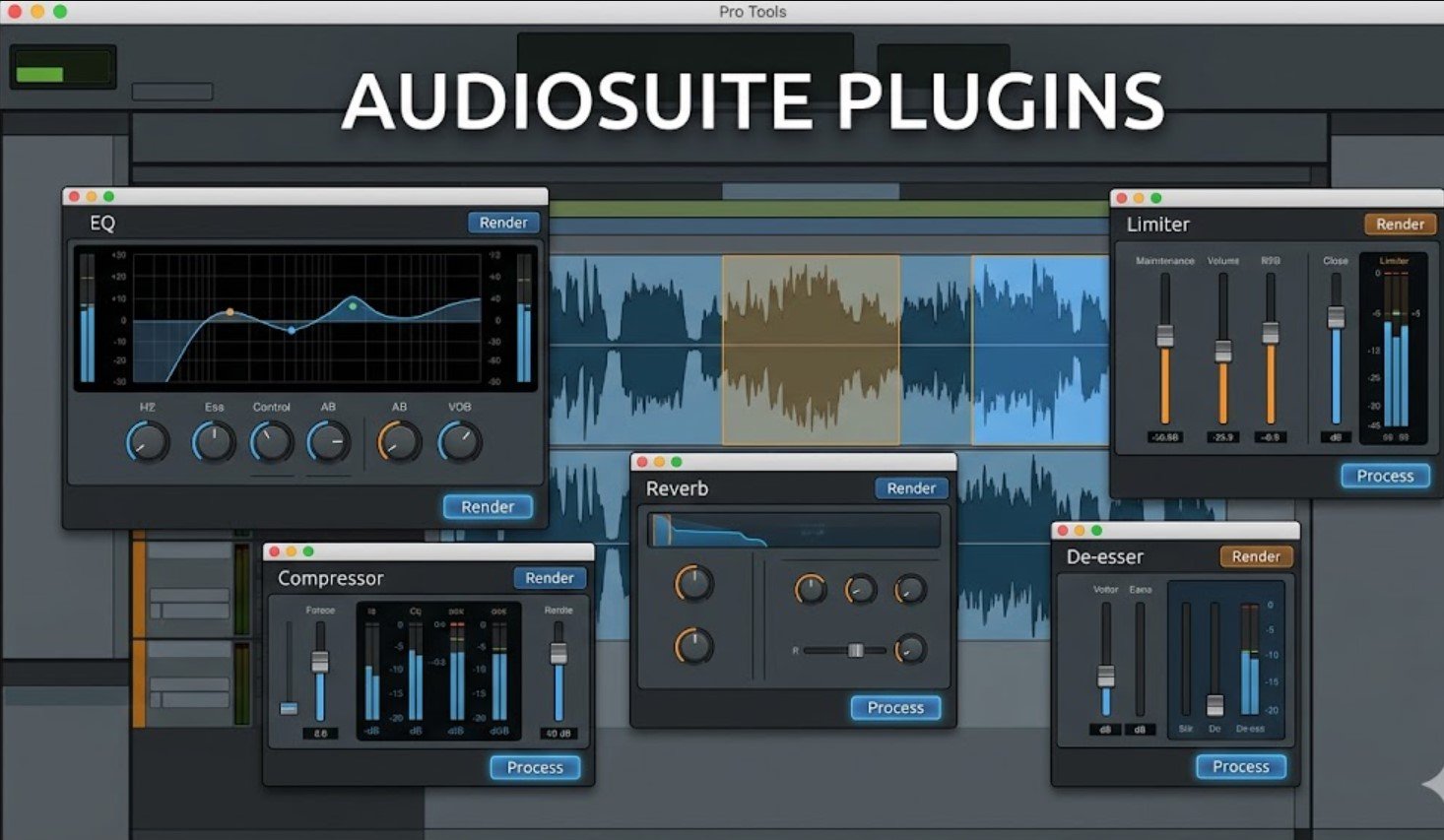
Audiosuite plugins are one of the most useful tools for editors, mixers, podcasters, music producers, and post-production teams who work inside Pro Tools. They help you apply effects directly to audio clips instead of running those effects in real time during playback. This makes editing faster, keeps sessions lighter, and gives you more control when cleaning dialogue, shaping vocals, fixing timing, or creating sound design.
In simple words, audiosuite plugins let you “print” an effect onto a selected audio clip. Avid describes AudioSuite as a Pro Tools feature used to apply effects directly to clips, which makes it helpful for clip-based work such as cleaning dialogue, editing, and creative processing.
What Are Audiosuite Plugins?
Audiosuite plugins are offline audio processing tools used mainly in Avid Pro Tools. Unlike insert plugins, which process sound while the session plays, audiosuite plugins process the selected audio first and then create a rendered result. That rendered audio can replace the original clip or appear as a new processed version, depending on the settings you choose.
Also Read: The Ultimate Guide to Judi Slot Online Jackpot Terbesar
This workflow matters because real-time plugins keep using computer power during playback. If you have many reverbs, noise reduction tools, pitch processors, or restoration plugins running at the same time, your session can become heavy. With audiosuite plugins, the processing becomes part of the audio file, so Pro Tools does not need to calculate that effect again and again during playback.
Avid’s plug-in documentation explains that the AAX plug-in format supports AudioSuite non-real-time, file-based rendered processing, while AAX Native and AAX DSP handle real-time processing in Pro Tools.
Why Audiosuite Plugins Matter in Pro Tools
The biggest value of audiosuite plugins is speed. In real production work, small edits happen all the time. A dialogue editor may need to reduce a mouth click on one word. A music producer may need to reverse one vocal phrase. A podcast editor may need to normalize a quiet guest answer. In these cases, loading a real-time effect on a full track can feel too much. AudioSuite lets you process only the part that needs work.
This is also helpful for large sessions. Film, TV, music, and podcast sessions can contain hundreds of clips. If every correction runs as a real-time insert, the computer has to work harder. When you render common fixes with audiosuite plugins, the session stays cleaner and easier to manage.
Another benefit is consistency. Once the effect is rendered, the result plays the same way every time. This is helpful when you want a final sound, not a temporary effect that may change later.
How Audiosuite Plugins Work
Audiosuite plugins work by selecting an audio clip or part of a clip, choosing an AudioSuite processor, adjusting the settings, previewing the result, and rendering it. The plugin then applies the processing to the chosen audio.
For example, imagine you recorded a vocal line and one word sounds too quiet. Instead of adding automation or a compressor to the whole track, you can select that word and use gain processing through AudioSuite. The result is quick, clean, and focused.
The same idea works for noise reduction, pitch correction, time stretching, equalization, compression, reverb printing, and special effects. Audiosuite plugins give you clip-level control, which is why they are so popular in editing and post-production.
Audiosuite Plugins vs Real-Time Plugins
The main difference is how the audio gets processed. Real-time plugins work during playback. They stay active on a track and keep changing the sound as the timeline plays. Audiosuite plugins work before playback. They render the effect into the audio clip.
Real-time processing is better when you still want flexibility. For example, during mixing, you may want to keep changing EQ, compression, delay, or reverb settings. In that case, insert plugins make sense.
Audiosuite plugins are better when the edit is final or when the effect only applies to a small section. If you need to fix one breath, clean one noisy word, pitch-shift one sound effect, or normalize one clip, AudioSuite is often the smarter choice.
Avid’s AAX SDK also confirms that AAX is used for real-time and offline audio processing in Pro Tools, Media Composer, and other Avid environments.
Common Uses of Audiosuite Plugins
One common use is dialogue cleanup. Editors often use audiosuite plugins to reduce clicks, pops, hums, breaths, and background noise from selected clips. This is useful because not every part of a recording needs the same treatment.
Another common use is clip gain and loudness control. If one phrase is too soft, you can process that section only. This keeps the track natural while fixing the problem.
Also Read: Jernsenger The Complete Guide to Durable and Stylish Iron Beds
Music producers also use AudioSuite for creative work. They may reverse audio, stretch sounds, tune short vocal parts, or print special effects. Sound designers use it to build impact sounds, transitions, risers, robotic voices, and cinematic textures.
Podcast editors use audiosuite plugins for fast cleanup. A quiet speaker can be lifted. A loud laugh can be reduced. A small unwanted noise can be processed without affecting the full episode.
Best Types of Audiosuite Plugins for Audio Editing
The best audiosuite plugins depend on your project. For clean speech, noise reduction, de-clicking, de-essing, EQ, and gain tools are useful. For music, pitch correction, time compression, expansion, modulation, and saturation tools can help. For sound design, reverse, reverb, delay, distortion, and pitch-shifting effects can create powerful results.
A good workflow starts with small, careful changes. AudioSuite processing can be very powerful, but heavy settings can make audio sound unnatural. This is especially true with voice recordings. A clean voice should still sound human after processing.
Practical Workflow for Better Results
A strong AudioSuite workflow begins with saving the original audio. Before rendering, duplicate the playlist or create a safety copy of the clip. This gives you a backup if you later decide the processing was too strong.
Next, select only the part that needs treatment. Do not process the whole file when only one small area has a problem. This keeps the sound natural and avoids extra work.
Then preview the effect before rendering. Preview helps you hear the result before it becomes part of the clip. After rendering, listen again in context. A sound may feel good alone but too strong inside the full mix.
Finally, name processed clips clearly when needed. In large sessions, clear naming helps you remember which clips were cleaned, tuned, reversed, or repaired.
Mistakes to Avoid When Using Audiosuite Plugins
One common mistake is over-processing. New editors sometimes use strong settings because the effect sounds exciting at first. But after a few minutes, the audio may feel harsh, thin, or fake. The best edits usually sound invisible.
Another mistake is processing without a backup. Since audiosuite plugins render effects into audio, it is smart to keep the original version safe. This protects your work and makes revisions easier.
A third mistake is using AudioSuite when a real-time insert would be better. If you still need to adjust the sound during mixing, keep the plugin live. Use AudioSuite when you are sure the edit is right or when the change only affects a small clip.
Why Audiosuite Plugins Help System Performance
Audiosuite plugins help performance because they reduce the need for constant real-time processing. A heavy restoration plugin or reverb may use a lot of CPU power when placed on a track insert. If you only need that sound on one clip, rendering it through AudioSuite can be more efficient.
This is useful for older computers, large music sessions, and professional post-production sessions with many tracks. It also helps when sending sessions to other editors, because printed effects can reduce plugin dependency.
Still, this does not mean every effect should be rendered. A balanced workflow works best. Keep creative mix decisions flexible with real-time plugins, and use audiosuite plugins for fixed edits, cleanup, and clip-based processing.
Are Audiosuite Plugins Destructive?
People often call AudioSuite destructive because the effect is rendered into the audio. But in modern Pro Tools workflows, editors can protect the original by using duplicate playlists, clip copies, or non-overwrite settings where available. The key point is simple: once you render an AudioSuite effect onto a clip, that processed version becomes the sound you hear in the timeline.
This is why careful previewing matters. AudioSuite is powerful, but it rewards good habits. Always check your selection, settings, and output before committing.
Audiosuite Plugins for Beginners
For beginners, the best way to learn audiosuite plugins is to start with simple tasks. Try adjusting gain on a quiet word. Then try reversing a short sound. After that, test EQ on one clip. These small experiments show how AudioSuite changes audio without making the session too complex.
You do not need to master every plugin at once. Start with the tools you use most often. In many real projects, gain, EQ, normalize, reverse, pitch shift, time shift, and noise cleanup tools handle a large part of the work.
Audiosuite Plugins in Professional Production
In professional studios, audiosuite plugins are part of a clean editing system. Dialogue editors use them to prepare tracks before the final mix. Music editors use them to correct timing and sound issues. Sound designers use them to create unique audio moments.
This makes AudioSuite more than a simple effects menu. It is a workflow tool. It helps editors work faster, reduce session load, and make precise clip-level decisions.
Conclusion
Audiosuite plugins are essential for fast, clean, and professional audio editing in Pro Tools. They let you apply effects directly to selected clips, reduce real-time system load, and make precise changes without affecting the whole track. For dialogue editing, podcast cleanup, vocal repair, music production, and sound design, they can save time and improve workflow.
Also Read: Farewell to Life on Earth Meaning, Causes, and Humanity’s Future
The best approach is to use them with care. Keep backups, preview before rendering, process only what needs fixing, and use real-time plugins when flexibility matters. When used correctly, audiosuite plugins help you work faster, keep sessions organized, and produce cleaner audio with more confidence.
FAQs
What are audiosuite plugins used for?
Audiosuite plugins are used to process selected audio clips offline. They help with noise cleanup, gain changes, pitch editing, time stretching, reversing audio, sound design, and other clip-based tasks.
Are audiosuite plugins only for Pro Tools?
AudioSuite is most closely linked with Avid Pro Tools. It is part of the Pro Tools workflow and works with AAX-based processing in that environment.
Do audiosuite plugins save CPU?
Yes, they can help save CPU because the effect is rendered into the clip instead of running live during playback. This is helpful in large or heavy sessions.
Should I use AudioSuite or real-time plugins?
Use AudioSuite for fixed clip edits and quick repairs. Use real-time plugins when you still need flexible control during mixing.
For more updates visit: The Tiger Casino